2.59.0|Oct 6, 2026
View on Steam↗Update 2.59.0.49
2/5 Minor
Tempest Mk II and V receive separate bomb drops, while aircraft carriers now move toward the map center in air combat missions.
Key Changes
- 1Tempest Mk II and Mk V now feature separate bomb drops
- 2Aircraft carriers now move toward the map center in all air combat missions
- 3Fixed bombing target marker shifting in cockpit and targeting pod views
- 4Resolved ship rolling issues after deploying scout planes
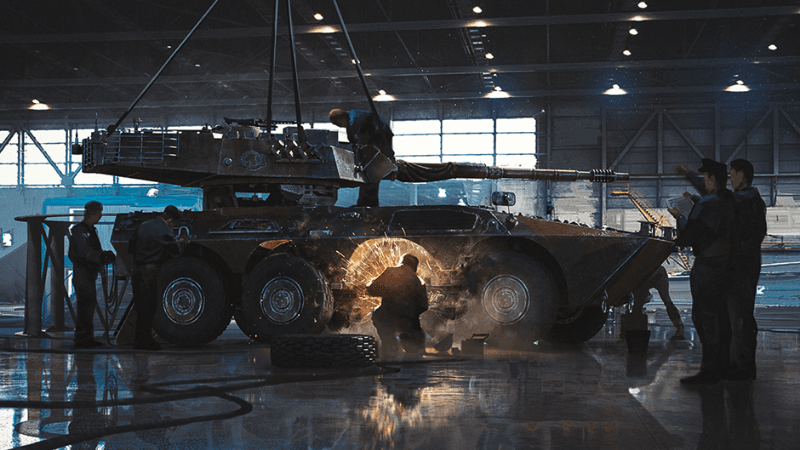
- 5Fixed physics shaking for wheeled vehicles missing wheels on one side
All Changes
✈️Aircraft(2)
- buffTempest Mk II: Added separate bomb drop functionality.
- buffTempest Mk V: Added separate bomb drop functionality.
🚜Ground Vehicles(1)
- fixWheeled ground vehicles: Fixed a bug that caused wheeled vehicles to shake when losing all wheels on one side.
⚓Naval Vessels(2)
- fixNaval Vessels: Fixed a bug where the camera did not align with the direction of view after entering ADS while holding the mouse-look key.
- fixNaval Vessels: Fixed a bug where ships would roll toward the side where the catapult was located after deploying a scout plane.
🗺️Locations and Missions(2)
- changeAircraft carriers: Aircraft carriers now move from the edge of the map toward the center on all air combat maps.
- fixSoutheastern City: Fixed a bug that caused building models to disappear when moving away from them.
🖥️Interface(1)
- fixBombing target markers: Fixed a bug that caused bombing target markers to shift when viewed from the cockpit or a targeting pod.
Summary
Update 2.59.0.49 focuses on specific vehicle functionality and bug fixes. The Tempest Mk II and Mk V aircraft now support separate bomb drops for better ordnance control. Additionally, aircraft carrier behavior has been updated across all air combat maps to move toward the center of the mission area. Several technical issues, including wheeled vehicle physics and naval camera alignment, have also been resolved.